
Essential WordPress SEO Basics
22 February 2024Video covering Essential WordPress SEO Basics for Your Local Business. Ensure that your local business website remains safe, secure and as attractive to Google as possible.
PressPilot – WordPress website and maintenance for small businesses

Video covering Essential WordPress SEO Basics for Your Local Business. Ensure that your local business website remains safe, secure and as attractive to Google as possible.

Video showing you how to easily secure your website using Wordpress security basics, updates, and plugins that won’t break the bank.

SSL certificate issues on a WordPress website can disrupt security, user trust, and SEO rankings. Here are common SSL certificate problems, their potential impact on SEO, and steps administrators can take to address and prevent them. Common SSL Certificate Issues Potential SEO ImpactGoogle considers HTTPS a ranking factor. SSL certificate issues can lead to a […]

“Error Establishing a Database Connection” is a common issue in WordPress, and it can render your website inaccessible. Here are steps administrators can take to prevent, mitigate, and address this problem: Preventive Measures: Mitigation and Recovery: Then, access the repair tool at https://yourdomain.com/wp-admin/maint/repair.php to diagnose and repair database issues. SEO Impact:While database connection errors themselves […]

Avoiding a hacked or compromised WordPress site is crucial to maintain website security, user trust, and SEO rankings. Here are steps administrators can take to prevent, mitigate, and address hacking incidents: Preventive Measures: Mitigation and Recovery: SEO Impact: Useful Resources: By following these best practices and staying proactive in your site’s security, you can reduce […]
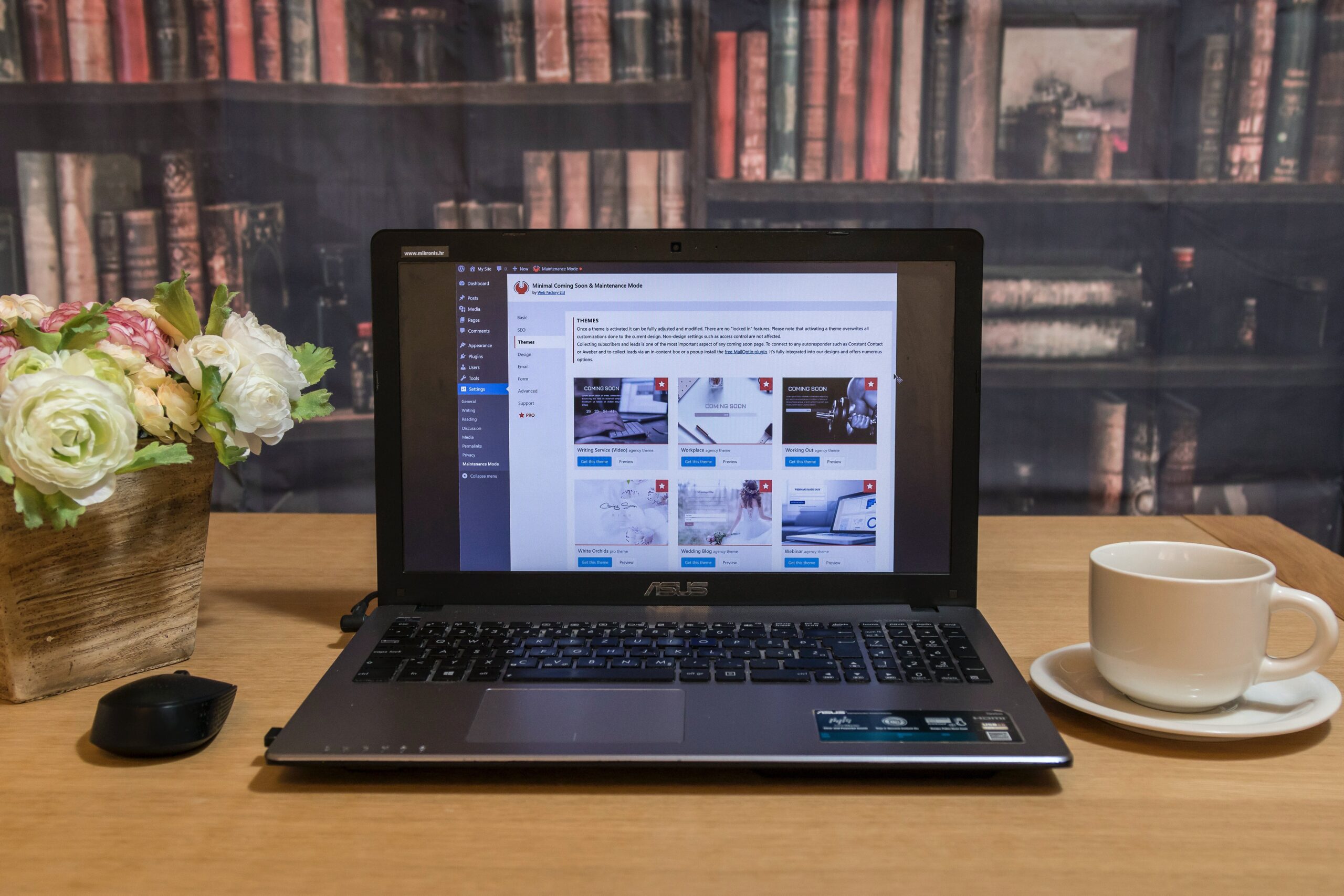
Watch Article as a Video Here’s how to quickly add PressPilot as a new Admin user to your website. Follow our step-by-step instructions to add a new admin user to your WordPress website. Note, your admin area or dialogue boxes may look a little different to the image shown. Remember to keep your admin usernames […]

Reducing and avoiding WordPress database connection errors is crucial for maintaining a stable and error-free website. These errors can occur due to various reasons, such as server issues, incorrect configuration, or database overload. Here’s how to minimize these errors: Then, access the repair tool at https://yourdomain.com/wp-admin/maint/repair.php and follow the instructions. Useful Resources: Recommended Plugins: By […]

Avoiding slow loading times on your WordPress website is crucial for retaining visitors, improving SEO, and enhancing the user experience. Slow loading times can be caused by various factors, including large images, unoptimized code, poor hosting, and more. Here’s how to avoid these issues and speed up your WordPress site: By addressing these factors and […]

Mobile responsiveness issues on a WordPress website can hinder user experience and harm SEO rankings, as Google considers mobile-friendliness a ranking factor. Here are common mobile responsiveness problems, their potential impact on SEO, and steps administrators can take to address and prevent them: Common Mobile Responsiveness Issues: Potential SEO Impact: Steps to Fix, Mitigate, or […]
Avoiding broken links on your WordPress website is crucial for providing a positive user experience and maintaining SEO rankings. Broken links, also known as dead links or 404 errors, occur when a hyperlink on your website points to a URL that no longer exists or is inaccessible. Here are steps to help you prevent broken […]