
How to Avoid Broken Links on Your WordPress Website
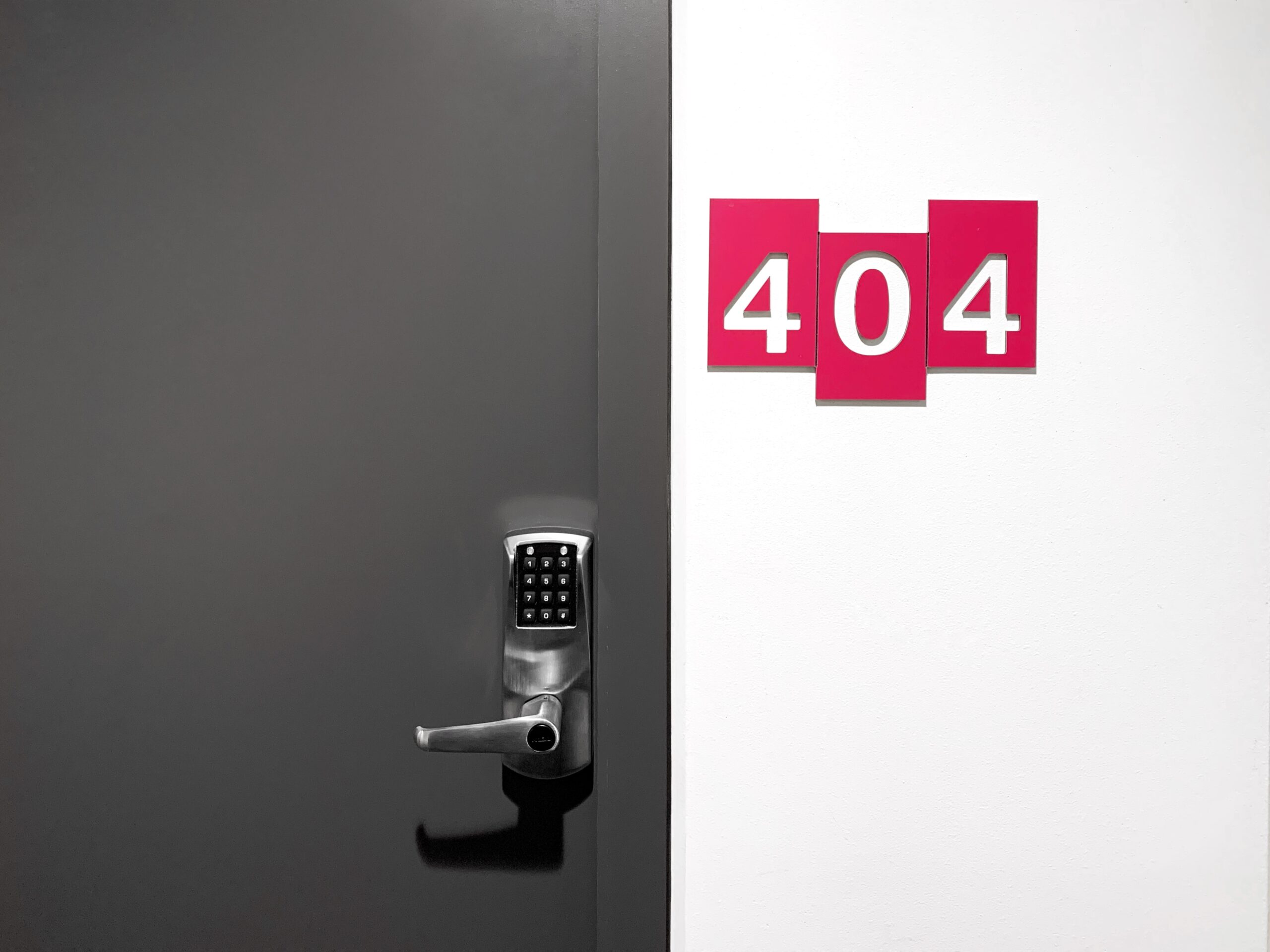
Avoiding broken links on your WordPress website is crucial for providing a positive user experience and maintaining SEO rankings. Broken links, also known as dead links or 404 errors, occur when a hyperlink on your website points to a URL that no longer exists or is inaccessible. Here are steps to help you prevent broken links:
- Regularly Check Existing Links:
Periodically review the links on your website, especially if you have a large site with many pages. Broken links can occur over time as external websites change URLs or internal content gets deleted or moved. - Use Link Checker Plugins:
WordPress offers several link checker plugins that can automatically scan your website for broken links. Plugins like “Broken Link Checker” or “WP Link Status” can help you identify and fix broken links efficiently. - Keep Content Updated:
Whenever you delete or move a page or post, be sure to update internal links pointing to that content. This ensures that visitors won’t encounter broken links when navigating your site. - Use Relative URLs:
When adding links within your website, use relative URLs instead of absolute URLs. Relative URLs are shorter and don’t include the entire domain, making them less likely to break if your site’s domain changes. For example, use “/contact” instead of “https://www.yoursite.com/contact.” - Use Permalinks Wisely:
Avoid changing your site’s permalink structure frequently. Changing permalinks can lead to broken links if other websites have linked to your content using the old permalinks. - Implement 301 Redirects:
When you must change a URL or a page’s slug, implement 301 redirects from the old URL to the new one. This tells search engines and browsers that the content has moved permanently, preserving SEO and preventing broken links. - Use Link Shorteners Carefully:
If you use link shorteners like Bitly or TinyURL, keep in mind that these services may change or expire over time. Regularly check and update short links if necessary. - External Links:
For external links to other websites, check them periodically to ensure they are still valid. If a website you link to changes its URL structure or goes offline, update or remove the link. - Implement a Custom 404 Page:
Create a custom 404 error page that provides users with helpful information and navigation options when they encounter a broken link. This helps retain visitors and guides them to relevant content. - Use Google Search Console:
Google Search Console can notify you of crawl errors and broken links on your website. Regularly check for reported issues and take action to fix them.
By following these practices, you can significantly reduce the occurrence of broken links on your WordPress website, ensuring a smoother user experience and maintaining the integrity of your site’s SEO.
Broken links are not a major problem, but they do indicate a certain lack of maintenance and can hurt customer trust and therefore sales and leads. So get in touch, remember we offer no fix, no fee!
Photo Credit: Romson Preechawit